How to Automate TikTok Posting
How to automate TikTok posting with an AI agent the allowed way: the official Content Posting API, the setup, the daily limits and the rules.
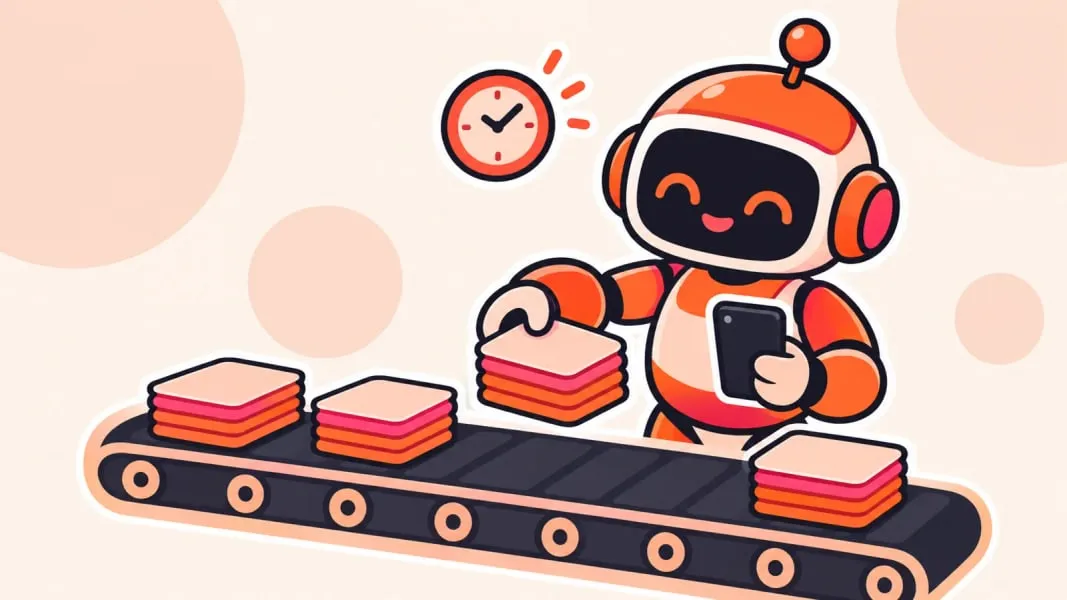
You can automate TikTok posting with an AI agent by giving the agent a tool that publishes through TikTok's official Content Posting API, and letting it plan, write and queue posts on a schedule you approve. The API supports both videos and photo posts, which is what slideshows are, but only for apps TikTok has audited, and it caps how many posts an account can publish a day.
That is the whole shape of it. The agent does the writing, the images and the scheduling; the API does the publishing. Below is how the pieces fit, how to set them up and where TikTok draws the line.
What "automating TikTok" can mean
People use "TikTok automation" for very different things, and TikTok treats them very differently. Some of it is ordinary production work that no platform cares about. Some of it is exactly what TikTok's rules are written to stop.
| Task | Allowed? | How |
|---|---|---|
| Writing captions, hooks and slide text | Yes | Any AI model or agent, no TikTok access needed |
| Making images or slideshows | Yes | Image tools; label realistic AI images |
| Scheduling your own posts | Yes | TikTok Studio's scheduler, or a tool using the Content Posting API |
| Publishing your own posts from software | Yes | Content Posting API through an audited app |
| Auto-liking, auto-following, auto-commenting | No | Fake engagement under TikTok's rules |
| Running many accounts with repetitive content | No | Treated as spam |
TikTok's authenticity rules prohibit automation tools and scripts designed to bypass its systems, and list using automation to run many accounts or send repetitive content as spam. Publishing your own original posts through the official API is allowed; that is what the API exists for. Bots that fake engagement are not, and the rest of this guide stays on the allowed side.
How the Content Posting API works
TikTok's Content Posting API lets an app publish to a TikTok account after the account owner logs in and grants permission. A few details matter for automation:
- Two modes: Direct Post publishes straight to the profile, while Upload sends the content to the creator's TikTok inbox, where they finish and post it in the app.
- Photo posts are supported. The photo endpoint takes a set of images, a title of up to 90 characters and a description of up to 4,000, which is what a slideshow needs. It also has a flag to mark content as AI-generated.
- Creator info comes first. Before posting, the app must query the creator's settings, such as the privacy levels the account allows, and show them in its own interface.
- Public posts need an audit. Content posted by apps that have not passed TikTok's audit is restricted to private viewing, and unaudited apps can serve only up to 5 posting users in 24 hours.
- There is a daily cap. TikTok limits posts per creator account per 24 hours through Direct Post, typically around 15 a day, and that cap is shared across every app that posts to the account.
What the audit means in practice
The audit rule explains the most common surprise. If posts sent through the API land as private, the app is either still in testing or has never been audited, and the fix is an audited tool or a finished audit, not a setting on the account.
So slideshows can be scheduled automatically, as long as the publishing tool's TikTok integration supports the photo endpoint. In practice most people do not build their own TikTok app at all. They use a tool that already has an audited integration and give their AI agent access to that tool.
Where the AI agent fits
An agent is an AI model that can use tools: read files, call APIs, make images, run on a schedule. For TikTok, the agent's job is everything before the publish button.
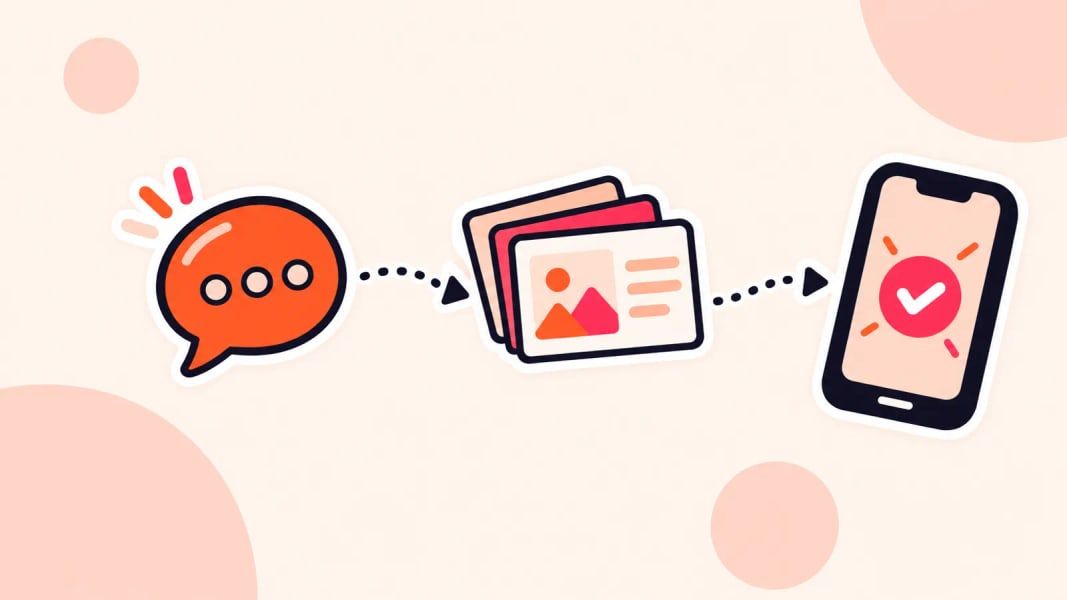
It starts by planning. You give it a goal such as "three posts a week about study habits, mentioning our app once", and it turns that into a content calendar. Then it writes: hooks, slide text and captions in the language your niche actually uses.
Next come the visuals. The agent generates or picks images and lays out each slide at the right size. It then queues every finished post with its time in the publishing tool, and afterwards pulls the numbers back and suggests what to make more of.
Agents connect to tools in a few standard ways: a REST API the agent calls, an MCP server that exposes the tool's actions to any agent that supports the protocol, or packaged skills the agent loads. If MCP is new to you, what is an MCP server explains it without the jargon.
One option built around this kind of agent is Viral Slide Post, currently on the waitlist. Viral Slide Post supports all three: an AI agent connects through a REST API, an MCP server or open source skills, writes TikTok and Instagram slideshows, makes the images and publishes them on schedule, and a dashboard does the same for people who prefer to click.
Setting it up, step by step
The order matters here. An account that is not ready, or an agent without a clear brief, produces volume without reach.
- Set up the TikTok account properly first: a business or creator account, a complete profile and a clear niche. See how to warm up a new TikTok account.
- Choose a publishing tool with an audited TikTok integration. Check that it supports photo posts if you plan slideshows, and that it can be driven by an agent, through an API, an MCP server or skills.
- Connect the TikTok account by logging in to TikTok through the tool and granting it permission to post.
- Give the agent a brief it can follow: the niche, the audience, three to five proven formats, the tone, words to avoid, and how the product may be mentioned.
- Start with a review step. Have the agent queue posts as drafts or send them to your inbox, and approve each one for the first couple of weeks.
- Set the schedule. Pick slots from your audience data; the best time to post on TikTok covers how to find them.
- Close the loop. Each week, have the agent compare posts by views and watch time and propose the next batch.
The review step is the one people skip too early. Keep it until the agent's posts are consistently good, then loosen it to spot checks.
Rules to keep the account safe
Automation does not change what TikTok expects from a post. It only changes how fast you can break those expectations.
- Stay under the caps. A sensible cadence is far below TikTok's daily limit anyway; the data in how often to post on TikTok favours two to five posts a week.
- Keep every post original. TikTok makes unoriginal content ineligible for the For You feed, so an agent that remixes other creators' posts will get almost no reach.
- Label realistic AI content. TikTok requires a label on AI-generated content that shows realistic-looking people or scenes; the API's AI-generated flag adds one.
- Disclose paid promotion. If a post promotes a brand in exchange for payment, the commercial content disclosure toggle applies, automated or not.
- Never automate engagement: no auto-likes, auto-follows or auto-comments.
The daily cap deserves one more word. An agent could technically publish around 15 posts a day to one account, but posting that often is rarely a good idea. Quality and consistency do more for reach than volume, and the cap is shared with every other tool connected to the account.
What to take away
Automating TikTok posting is allowed when it means producing and publishing your own original posts through the official Content Posting API. Public posts need an audited app, slideshows need a tool that supports the photo endpoint, and every account has a daily cap shared across tools.
The agent earns its place before the publish button: planning, writing, making the slides, queueing and reporting. Keep a human review step until its posts hold up on their own, stay well under the caps, label realistic AI content, and leave engagement to real people.